CRM Built for Property Management Companies
We set out to build a CRM at the level of HubSpot or Monday.com, then shaped every screen around the work of winning and onboarding property owners.

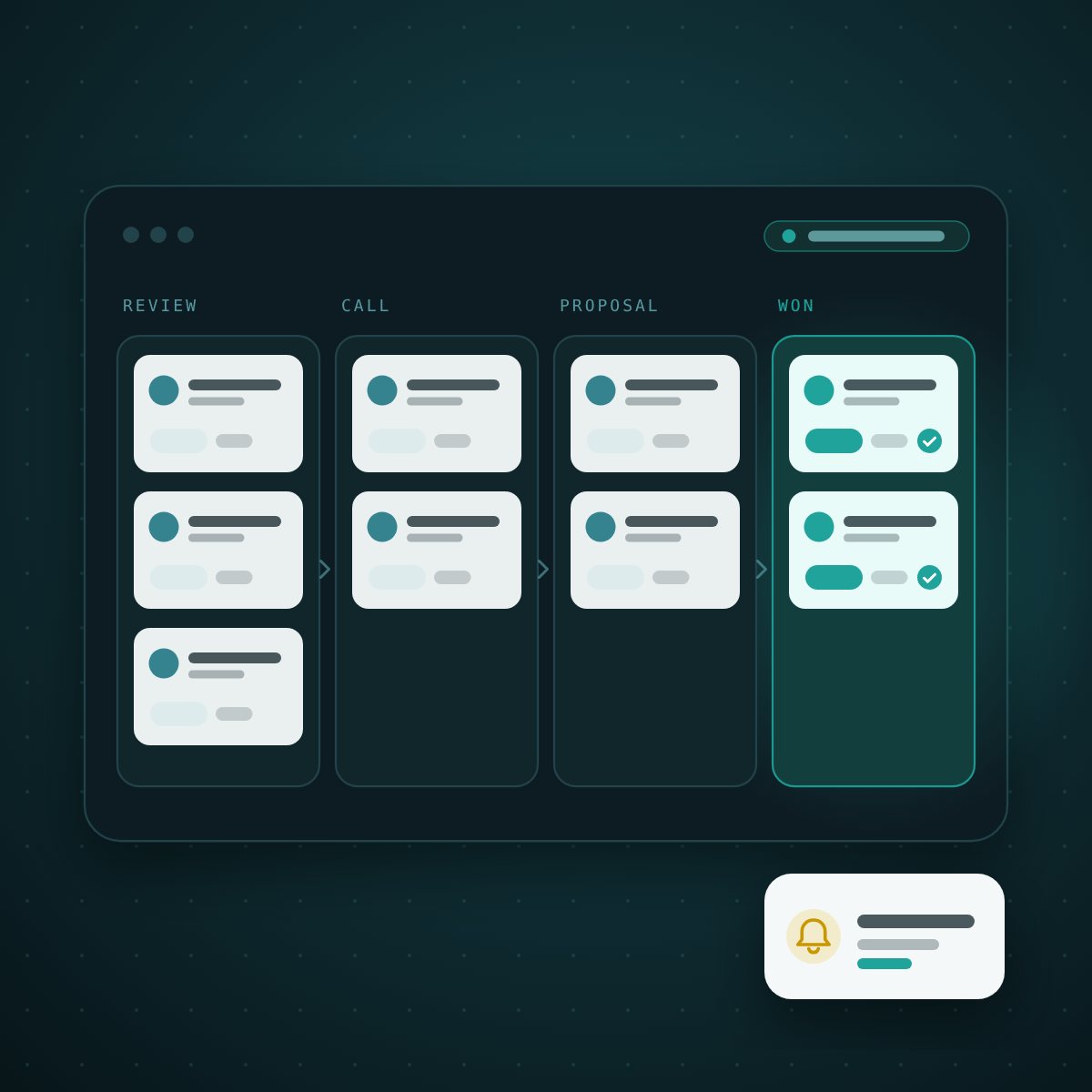
PMP Grow is the CRM inside PropertyManage.Pro. This Article Brief covers the goal behind it, how it differs from a general-purpose CRM, and the top 7 features property managers use every day.
Compete with the best CRMs, then out-fit them for one job
The brief was ambitious: a CRM at the level of Monday.com or HubSpot. We hit that bar on the plumbing that makes a CRM “enterprise”: multi-tenant security, full audit trails, automation, mobile. Then we did the thing those tools can’t: we shaped every screen around owner acquisition and management onboarding, in a property manager’s own vocabulary.
Generic CRMs are empty rooms. They give a PM a pile of fields and say “model your business in here.” So the PM bends property management into a sales tool. Deals become “opportunities,” a signed owner becomes a “closed-won,” and the words that actually run the business (doors, rent roll, MRR, management agreement, W-9, ACH, under management) live in custom fields nobody maintains.
PMP Grow ships those objects as first-class citizens. The pipeline stages are the real steps of winning a management contract. “Won” doesn’t just close a deal: it captures signed doors and monthly management revenue, promotes the owner to a client, flips their prospective properties to under management, and starts a 30-day onboarding checklist automatically.
The difference between a CRM you configure and a CRM that already knows the work
| The dimension | A general-purpose CRM | PMP Grow |
|---|---|---|
| Pipeline | Blank stages you name yourself | Owner-acquisition stages out of the box: Start Review → Call → Proposal → Verbal Commit → Agreement Out → Won |
| What “won” means | A closed deal amount | Signed doors + MRR, owner promoted to client, properties moved to under management, onboarding seeded |
| Speed to lead | An add-on you configure | A built-in 15-minute response clock with text, email and push alerts to the PM |
| The field team | Desktop-first | A phone-native Lead Center that alerts open straight into: call, log and schedule from the driveway |
| After the sale | You build the checklist | A 17-step management-onboarding playbook with owner, PM and ops owners and due dates |
| Vocabulary | Leads, deals, companies | Owners, doors, rent roll, management agreements, tenants, vendors |
The top 7 features of this property management CRM
What’s inside the capability set, starting with the seven features property managers lean on most.
1. Command Center
One morning screen that answers “where do I stand, and what needs me right now?”: doors and MRR won, open deals, leads awaiting a first response, and a Needs you now list of unanswered leads, overdue callbacks and stalled deals.
2. An owner-acquisition pipeline
A visual board for the one pipeline a PM runs, from Start Review to Won. Deals sitting 7+ days in a stage are flagged, “Won” records signed doors and monthly revenue and sets the owner up as a client, and “Lost” requires a reason, so win/loss data is real.
3. Lead Inbox
Every owner lead from every source in one table, with built-in views like Needs Me, Schedule a Call, Rental Analysis and Callbacks, sources in plain English, and status and assignment changed right in the row.
4. Speed to Lead and lead alerts
Every new lead carries a response clock that counts down wherever it appears. Alerts reach the team by text, email and push, and open straight into the lead, so the owner hears back before the next PM has seen the form.
5. Lead Center (mobile)
A phone-native worklist for a PM who is rarely at a desk: today’s priority leads and promised callbacks, big Call, Text and Email buttons, and one-thumb outcome logging that stops the response clock.
6. Tasks and callbacks
Every promise to an owner becomes a tracked task, sorted into overdue, today and upcoming. Callbacks are kept separate from routine follow-ups, so “I’ll call you Thursday” actually happens.
7. Client onboarding checklist
Winning an owner seeds a 17-step onboarding playbook across five phases (welcome, documents, property, financial, activation), each step with an owner and a due date, plus a private document vault for agreements, W-9s and insurance certificates.
…and many more: schedule-a-call handling, a full activity timeline for every owner, nurture email, CSV imports with a 72-hour undo, duplicate merging, website and Zapier integrations, and an optional leasing module. See PMP Grow or DoorEngine for the full picture.
See it working
Want to see the CRM with your own pipeline?
Book a call and we’ll walk you through PMP Grow using the way your team wins owners today.